
Habari STOMP Client libraries enable Object Pascal applications to take advantage of message broker / message queue technology - which is distributed, loosely coupled, reliable and asynchronous - to build integrated systems, using peer-to-peer and publish-subscribe communication models.
Typical use cases of message brokers include decoupling components , load balancing (distributed processing), client notification in multi-tiered applications, dynamically configuring and controlling software, logging and auditing and cross-platform integration for example with ISAPI, PHP, .NET, Python or Jakarta EE based web applications.
The libraries are available for the open source message brokers ActiveMQ Classic, ActiveMQ Artemis, Eclipse OpenMQ and RabbitMQ. ActiveMQ, ActiveMQ Artemis and OpenMQ are also serving as default messaging subsystems in Enterprise Application Servers such as GlassFish, Payara, TomEE+ or WildFly.
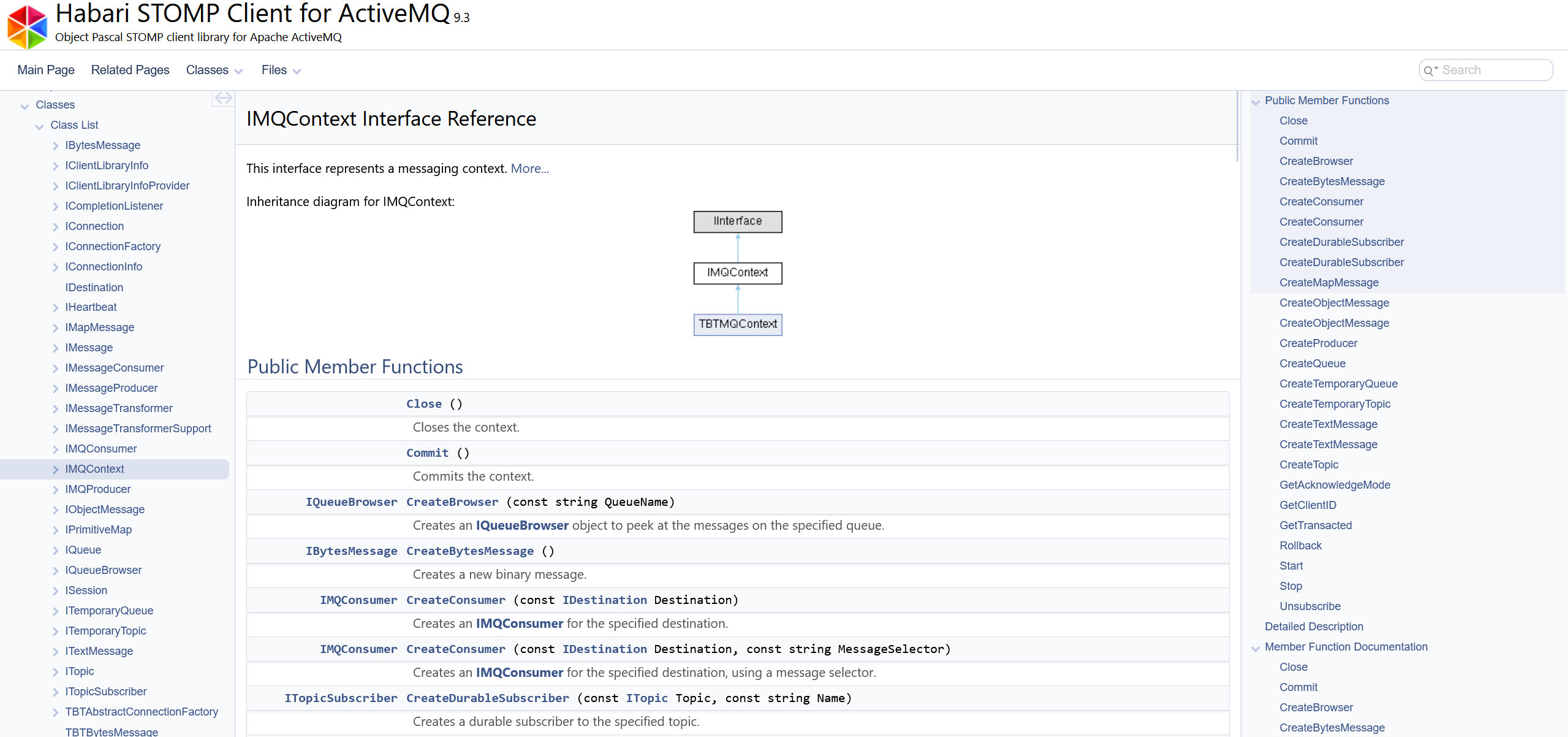
New in release 2025.06: API documentation generated with Doxygen 1.14.0
language
The libraries are specialized for different message brokers, but share a common high-level API.
view_comfy
Use the feature matrix below to compare the broker-specific capabilities and extra features.
get_app
For information on a specific library, choose a version from the top menu or in the matrix header below.

|
Habari STOMP Client for ActiveMQ | Habari STOMP Client for Artemis | Habari STOMP Client for OpenMQ | Habari STOMP Client for RabbitMQ |
|---|---|---|---|---|
| Tested with | ActiveMQ 6.1.6 | ActiveMQ Artemis 2.40.0 | Eclipse OpenMQ 6.5.0 | RabbitMQ 4.1.0 |
| STOMP version support | ||||
| Version 1.0 / 1.1 / 1.2 | ⧂/ ⧂/✓ | ⧂/ ⧂/✓ | ⧂/ ⊝/✓ | ⧂/ ⧂/✓ |
|
⧂ Note: the outdated STOMP versions 1.0 and 1.1 are not covered by free basic technical support.
⊝ - Not supported by message broker STOMP implementation. |
||||
| STOMP optional features | ||||
| Ack Mode: auto/client/client-individual | ✓/✓/✓ | ✓/✓/✓ | ✓/✓/✓ | ✓/✓/✓ |
| Receipt Requests | ✓ | ✓ | ✓ | ✓ |
| Heart-beating | ✓ | ✓ | ⊝ #361 | ✓ |
| Transacted Send | ✓ | ✓ | ✓ | ✓ |
| Transacted Ack | ✓ | ⊝ | ⊝ | ✓ |
|
⊝ - Not supported by message broker STOMP implementation. |
||||
| Broker-provided STOMP extensions | ||||
| Message Expiration | ✓ | ✓ | ✓ | ✓ |
| Message Priority | ✓ | ✓ | ✓ | ✓ |
| Persistent Messages | ✓ | ✓ | ✓ | ✓ |
| Rich Message Conversion | ✓ | ✓ | ✓ | ✓ |
| Topic Destinations | ✓ | ✓ | ✓ | ✓ |
| Queue Destinations | ✓ | ✓ | ✓ | ✓ |
| Durable Topics | ✓ | ✓ | ✓ | ✓ |
| Temporary Queues | ✓ | ⊝ ARTEMIS-3164 | ✓ | ✓ |
| Message Selector | ✓ | ✓ | ✓ | ⊝ |
| Queue Browser | ✓ | ✓ | ⊝ | ⊝ |
|
⊝ - Not supported by message broker STOMP implementation. |
||||
| Testing | ||||
| DUnit Tests | ✓ | ✓ | ✓ | ✓ |
| FPCUnit Tests | ✓ | ✓ | ✓ | ✓ |
| Unit test source code | ✓ | ✓ | ✓ | ✓ |
| Documentation | ||||
| API (HTML) | ✓ | ✓ | ✓ | ✓ |
| Getting started (PDF) | ✓ | ✓ | ✓ | ✓ |
| Example code | ✓ | ✓ | ✓ | ✓ |
| Compiler | ||||
| Delphi 2009+ | ✓ | ✓ | ✓ | ✓ |
| Free Pascal 3.2.2+ | ✓ | ✓ | ✓ | ✓ |
| TCP/IP libraries | ||||
| Internet Direct (Indy) 10.6.3 | ✓ | ✓ | ✓ | ✓ |
| Note: free basic technical support does not cover other TCP/IP libraries (e.g. Ararat Synapse). | ||||
| Logging | ||||
| SLF4P (optional) | ✓ | ✓ | ✓ | ✓ |
| Platforms | ||||
| Windows 32 Bit (Delphi/FPC) | ✓/✓ | ✓/✓ | ✓/✓ | ✓/✓ |
| Windows 64 Bit (Delphi/FPC) | ✓/✓ | ✓/✓ | ✓/✓ | ✓/✓ |
| Note: free basic technical support for IDE/platform-related issues only covers Delphi and Lazarus 3.x IDEs on Windows. | ||||
| Additional information | ||||
| Source included | ✓ | ✓ | ✓ | ✓ |
| Release date | 20 Juni 2025 | 20 Juni 2025 | 20 Juni 2025 | 20 Juni 2025 |
apps
Typical use cases of message brokers include: load balancing (distributed processing), client notification in multi-tiered applications, dynamically configuring and controlling software, alerting and logging, and integration with ISAPI, PHP, .NET, Python or Jakarta EE based web applications.
check
Yes! Basic technical support via email is included for one year. Advanced and experimental features such as (for example) SSL/TLS, third party libraries, Linux, non-Unicode Delphi versions and message broker configuration are not covered by the basic technical support plan.
On the library home page you will find a link to the download area for registered users. The credentials (user name and password) will be sent to you when a new release is available.
A trial version with precompiled units (DCU) is not available. To see if the library works, you may use the free demo applications which are included in the demo download file. Also, you may contact Habarisoft to receive additional source or binary code examples.
check
Yes, each developer that uses our products must have their own license.
check
No, the licenses are perpetual. However, you will be using the last product version released before your free upgrade period expired.
block
No, the source code is not redistributable, even if you change it.
Only a network library is required. Please check the feature matrix for available options.
Indy is hosted on GitHub at https://github.com/IndySockets/Indy
No, just add the Indy directories Lib\Core, Lib\Protocols and Lib\System to the project search path. The Indy version which is included in Delphi may remain unchanged.
The library includes two experimental adapter classes for usage with OpenSSL, one for Indy (Internet Direct) and one for Synapse. Technical support for these adapter classes and OpenSSL configuration is not included in the basic support package.
No, using a connection concurrently by different threads is unsafe. If different threads need to communicate with the message broker, every thread must use its own IConnection object.
check
Yes! When it is used correctly and as designed, no memory leaks will appear.
check
Yes! Service applications can use the library to communicate with the message broker, if connections are not used concurrently by different threads.
check
Yes! ISAPI DLL modules can use the library to communicate with the message broker, if connections are not used concurrently by different threads.
check
Yes! All library versions support transactional sending of messages. Transactional message ack currently is provided for ActiveMQ and RabbitMQ.
No, the library only supports the STOMP wire format.
Advanced Chemistry Development
aim Systems
Airport Business Information Systems - Hamburg Airport
Altron HealthTech
Bangkok Medical Software
Baxter Healthcare
BD Kiestra
C.A. Shea & Company
DrillScan
Emsisoft
Fen Technology
Intelligence Data Communication
Kokusai
Light & Wonder
logiCells
MESAS
ModivCare
peptides & elephants
Pfizer Manufacturing Belgium
Prime Vision
Polaris Elements
Retail Pro International
STEMCELL Technologies
Taiwan Semiconductor Manufacturing Company (TSMC)
Thum+Mahr
VECTRONIC Aerospace